1. Upload Your Lot Photos
Use clear JPG, PNG, or WebP photos from your phone or camera. Start with the whole vehicle in frame, including mirrors, bumpers, and tires.
FOR INDEPENDENT USED CAR DEALERS
Turn photos from your lot into indoor showroom photos. Choose a setting, add an optional branded dealer plate, and download HD images for your vehicle listings.
3 free photos · No credit card required · No sales call required
FROM LOT TO SHOWROOM
Replace a busy outdoor background with an indoor showroom, studio lighting, contact shadows, and floor reflections.
 BEFORE · SOURCE PHOTO
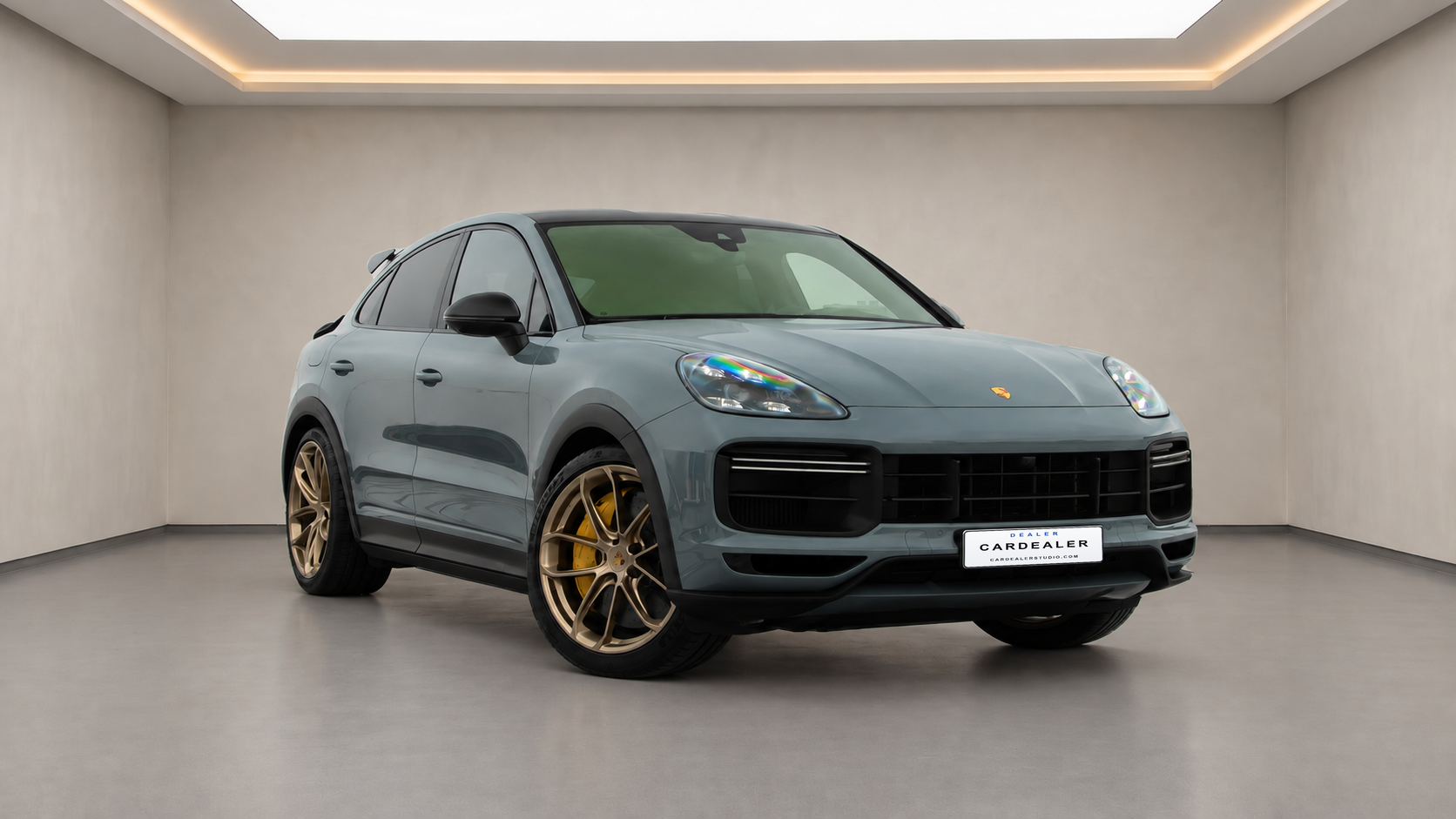 AFTER · AI SHOWROOM EXAMPLE
The showroom example is AI-generated with a branded dealer plate added. Vehicle details may change; review every result against your original photo before publishing.
USE YOUR EXISTING PHOTOS
Use clear JPG, PNG, or WebP photos from your phone or camera. Start with the whole vehicle in frame, including mirrors, bumpers, and tires.
Select one of four indoor settings. If you want a branded dealer plate, enter your dealership name and website or tagline, then choose a plate style.
Compare vehicle details with the source photo. Sign in to download finished HD photos individually or as a ZIP file, then upload them to your listings yourself.
Open the photo studio to upload your first vehicle.
FOUR INDOOR SETTINGS
Preview Glass Atrium, Signature Black, Sunset Bay, and Bright White with the same example vehicle. Each new scene version uses another photo credit.
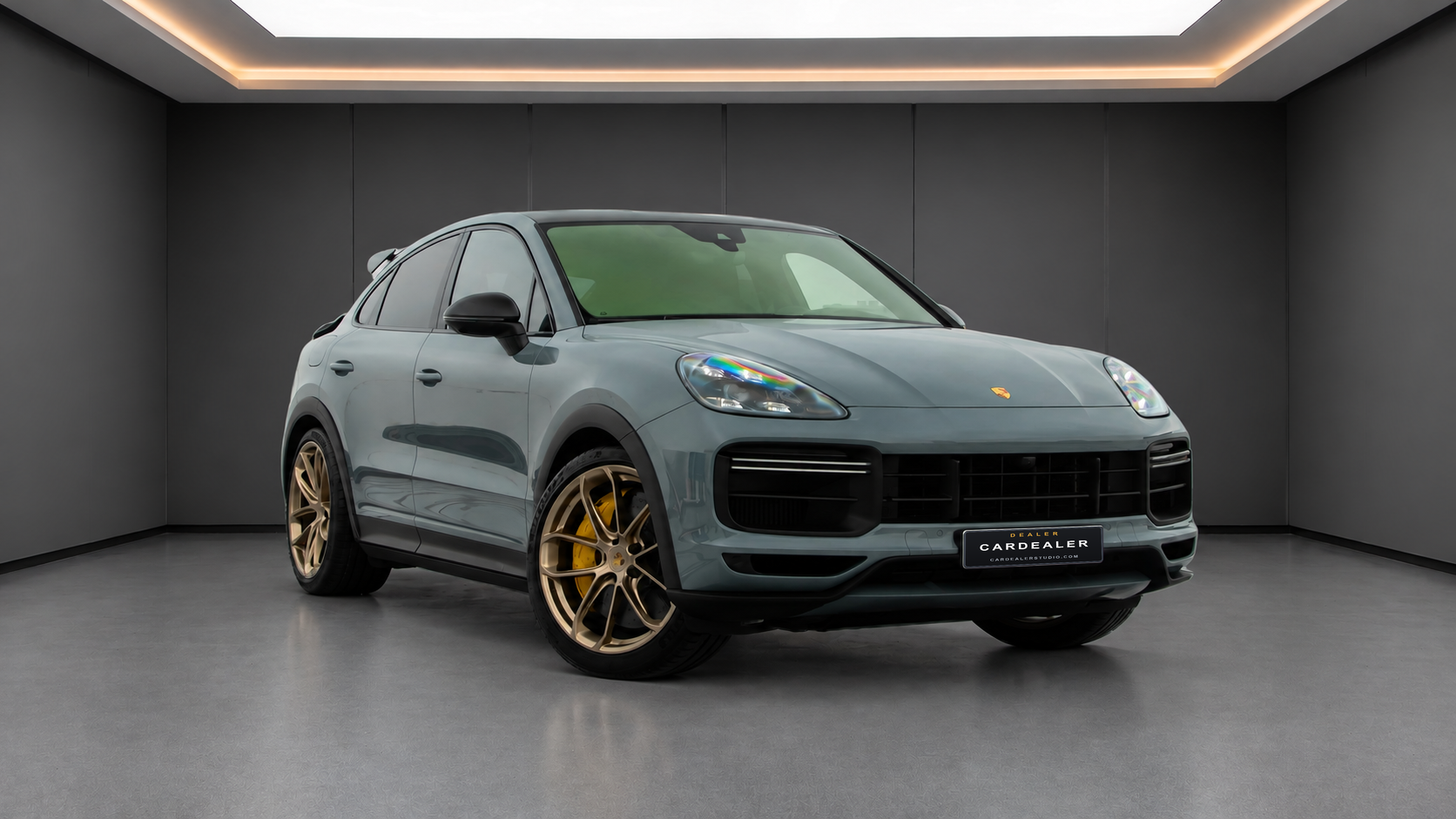
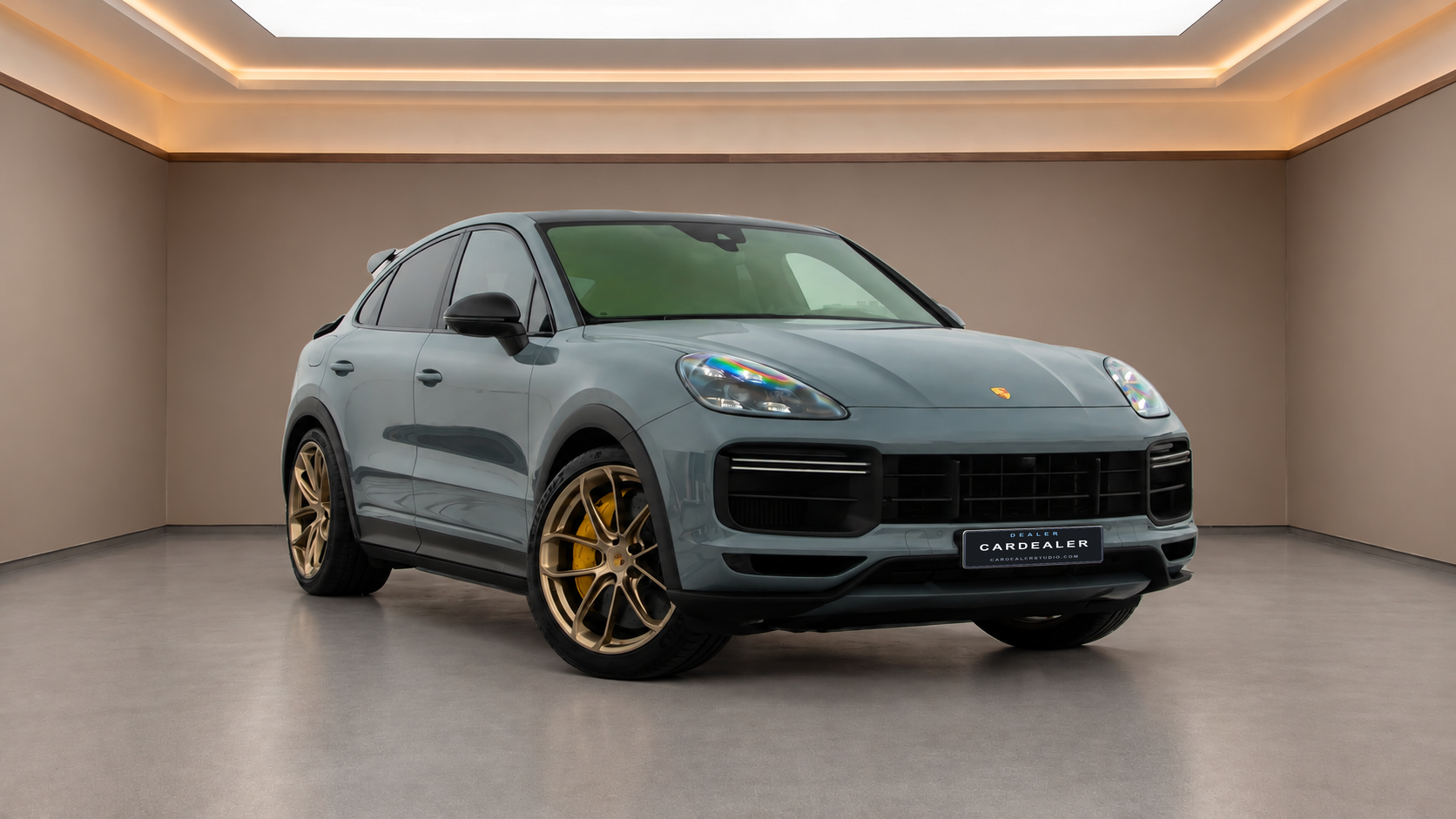
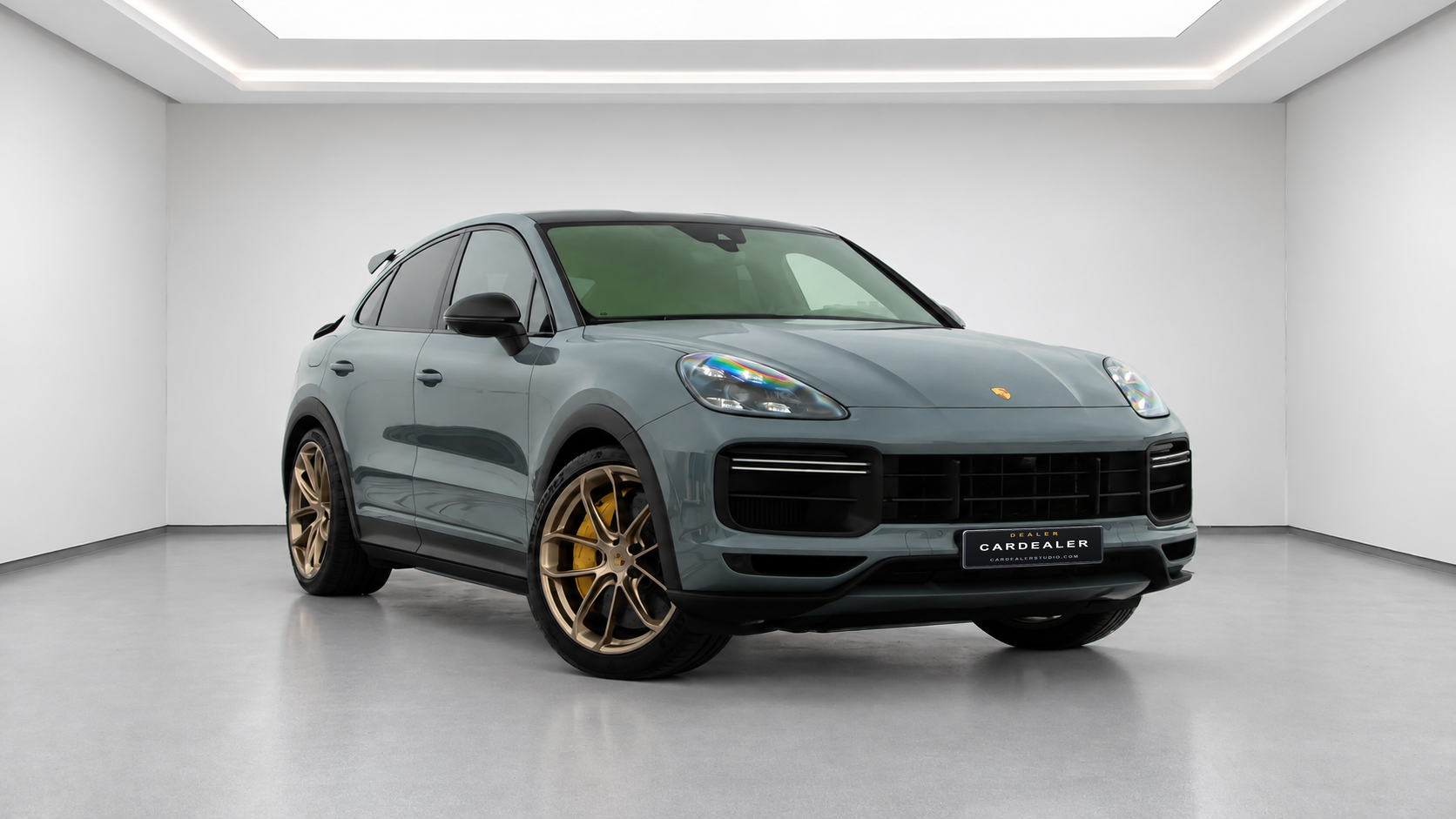
Branded dealer plates are optional text graphics, not state-issued registration plates. If reliable placement is unavailable, the generated photo is kept without an added branded plate.
BEFORE YOU UPLOAD
Leave space around the vehicle. Avoid cropped mirrors, bumpers, and tires, and keep people or other cars from blocking the bodywork.
Choose a sharp, well-exposed photo. Deep shadows, glare, and blur make details harder to see and review. Upload JPG, PNG, or WebP files.
AI editing may alter paint, wheels, badges, glass, or visible damage. Check each result against your original and use photos that accurately represent the vehicle.
PAY PER GENERATED PHOTO
1 credit generates 1 photo. Each new showroom version uses another credit. Failed processing returns the reserved credit.
3 Photos
Try your first car with 3 free photo credits. No credit card required.
From $29 / month
Starter: $29/month for 80 credits. Pro: $59/month for 180 credits. Plans renew automatically until canceled.
From $1.29
$1.29 for 3 credits or $4.99 for 15 credits. One-time payment; purchased credits do not expire.
Up to 3 photos per batch without a subscription, or 10 with a subscription. See all photo credit plans and the refund and cancellation policy.
It creates a new version of your vehicle photo with an indoor showroom setting, lighting, contact shadows, and floor reflections. CarDealerStudio offers four showroom styles and optional text-based branded dealer plates.
AI editing can change vehicle details, paint, reflections, or proportions. Review badges, wheels, glass, bodywork, license plates, and visible condition against your original photo before publishing a listing. The examples do not guarantee the same results for every upload.
Upload clear JPG, PNG, or WebP photos with the whole vehicle visible. Non-subscribers can upload up to 3 photos per batch, including when using one-time credit packs. Subscribers can upload up to 10 photos per batch.
Yes. The first-car trial includes 3 free photo credits with no credit card required. One credit generates one photo. Each new showroom version uses another credit; failed processing returns the reserved credit.
Sign in to download HD photos individually or as a ZIP file. Generated files are stored temporarily for up to 24 hours, so download the photos you want to keep. Your original files are not overwritten; keep your own copies.
Comparing tools? Explore our Spyne alternative, CarCutter alternative, and Photoroom alternative pages.